
Play Rising Front Game: Controls, Modes, Strategy, and Fast Improvement
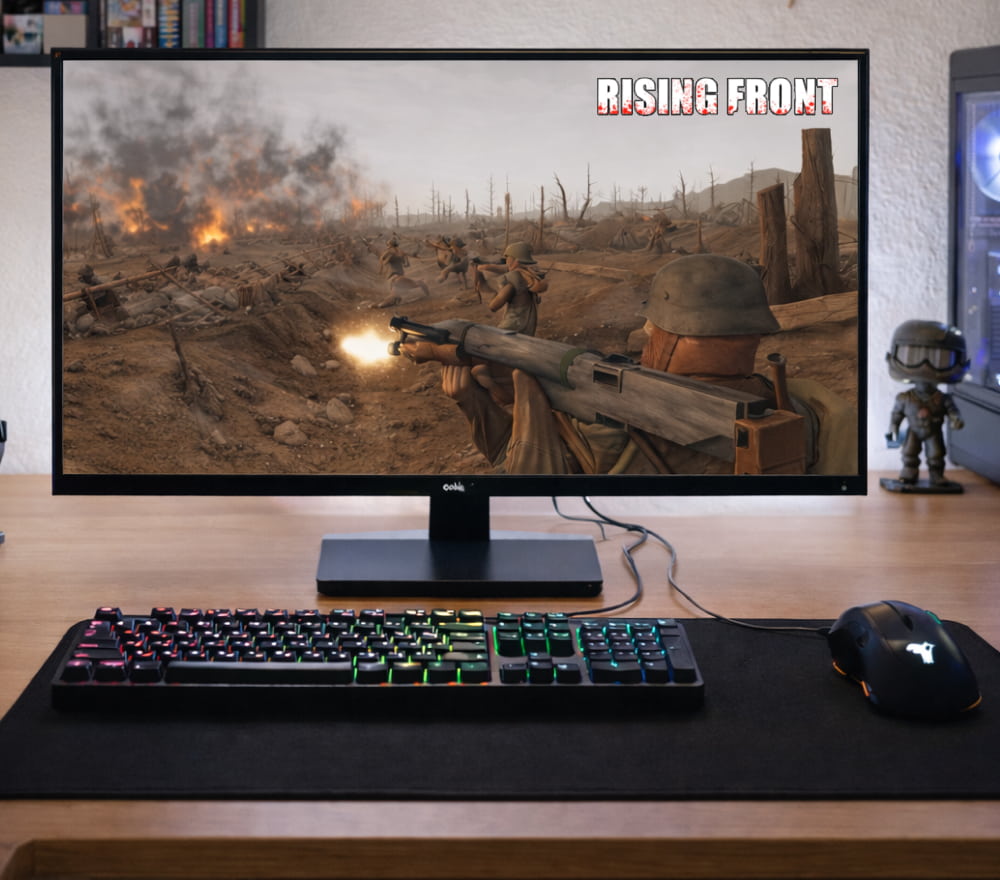
Download Rising Front for Windows 10 PC
Play NowRising Front is at its best when you approach it like a blend of positioning, timing, and quick decision-making. This guide walks you through setup, core mechanics, match flow, and practical habits that help you win more fights and enjoy smoother sessions.
Getting Started in Minutes
Before your first match, set up a comfortable mouse sensitivity, enable a clear crosshair option if available, and confirm your audio output so footsteps and direction cues are easy to read. If you're new, you can quickly play Rising Front in a browser session and still keep your progress.
- Pick a stable resolution and cap FPS to reduce stutter on mid-range hardware.
- Lower shadows first if you need extra performance without ruining visibility.
- Bind “push-to-talk” and a quick ping key so callouts don’t slow you down.
Core Mechanics You Should Master Early
Because it is Rising Front free-to-play for everyone, spend your first matches learning maps rather than chasing cosmetics.
- Crosshair discipline: keep your aim at head height where enemies are likely to appear.
- Movement timing: strafe, stop, then shoot for tighter accuracy in most shooters.
- Cover logic: fight from angles that let you retreat, not from open lanes.
- Reload habits: reload behind cover, not after every duel in the open.
“Play each corner like someone is already holding it.” This mindset reduces avoidable deaths and improves your trade potential.
Controls and Settings That Actually Matter
Small adjustments can dramatically improve consistency, especially in fast engagements.
| Setting | Recommended Direction | Why It Helps |
|---|---|---|
| Mouse sensitivity | Moderate, consistent | Builds muscle memory for flicks and tracking |
| Audio mix | Footsteps emphasized | Improves reaction time and pre-aim accuracy |
| Graphics | Stable FPS over max detail | Reduces input lag and aim inconsistency |
| Keybinds | Utility on easy keys | Faster decisions under pressure |
Match Flow: What to Do in Each Phase
Most players lose matches by treating every minute the same, so break your thinking into phases.
Opening
- Take space safely: check common angles, then claim a strong position.
- Gather info: listen for rotations and watch for utility usage that reveals enemy plans.
Mid-Round
Many players treat Rising Front play as a warm-up before ranked because the first minutes teach recoil and movement.
- Trade discipline: stay close enough to respond when a teammate fights, but not stacked in one line.
- Angle layering: hold different elevations or offsets so one grenade or peek doesn’t wipe everyone.
- Objective awareness: keep track of time, resources, and whether you should force a fight or slow down.
Closing
- Play for win conditions: protect the objective, deny flanks, and avoid unnecessary solo duels.
- Use utility late: saving a tool for the final push is often stronger than using it instantly.
Modes and Team Roles
Even if your team is random, simple role clarity makes you stronger.
- Entry: creates first contact and clears space quickly.
- Support: follows to trade and uses tools to secure angles.
- Anchor: holds key territory and prevents backline collapses.
- Scout: gathers info, watches rotations, and calls movement.
On shared PCs, the option called Rising Front play no download helps you jump in without installing large files.
Practical Strategy: Simple Habits That Win Fights
- Pre-aim common head height at doorways, stairs, and tight corners.
- Peek with intention: wide peek to surprise, tight peek to gather info.
- Reset after shots: reposition slightly so enemies can’t prefire your last location.
- Count opponents: if you see two, assume at least one is flanking until proven otherwise.
Playing With Friends and Coordinating Quickly
Communication does not need to be complicated to be effective.
- Use short callouts: location + number + direction.
- Confirm trades: if a teammate falls, decide instantly whether to trade or fall back.
- Call utility: saying “smoke now” or “stun next corner” prevents wasted tools.
When friends are online, use the invite panel and select Rising Front play now to queue together instantly.
Troubleshooting and Performance Tips
If you experience lag, stutter, or input delay, try these steps in order:
- Close overlays you don’t need and restart the game client or browser tab.
- Lower shadows and post-processing before reducing resolution.
- Switch to wired internet if possible, and avoid background downloads.
- Enable an FPS cap slightly below your average to stabilize frame pacing.
Fair Play, Safety, and Account Basics
For school clubs and cafés, Rising Front online free-to-play makes it easy to rotate players without extra accounts.
- Use unique passwords and enable additional security options if offered.
- Avoid third-party “boosters” or suspicious mods that can risk your account.
- Respect teammates: calm comms lead to better coordination and fewer throws.
Quick Checklist Before You Queue
- Audio working and clear
- Sensitivity comfortable and consistent
- Keybinds set for utility and communication
- Game plan: take space, trade, then play the objective
With these fundamentals, you’ll improve faster by focusing on repeatable decisions rather than chasing highlight moments.